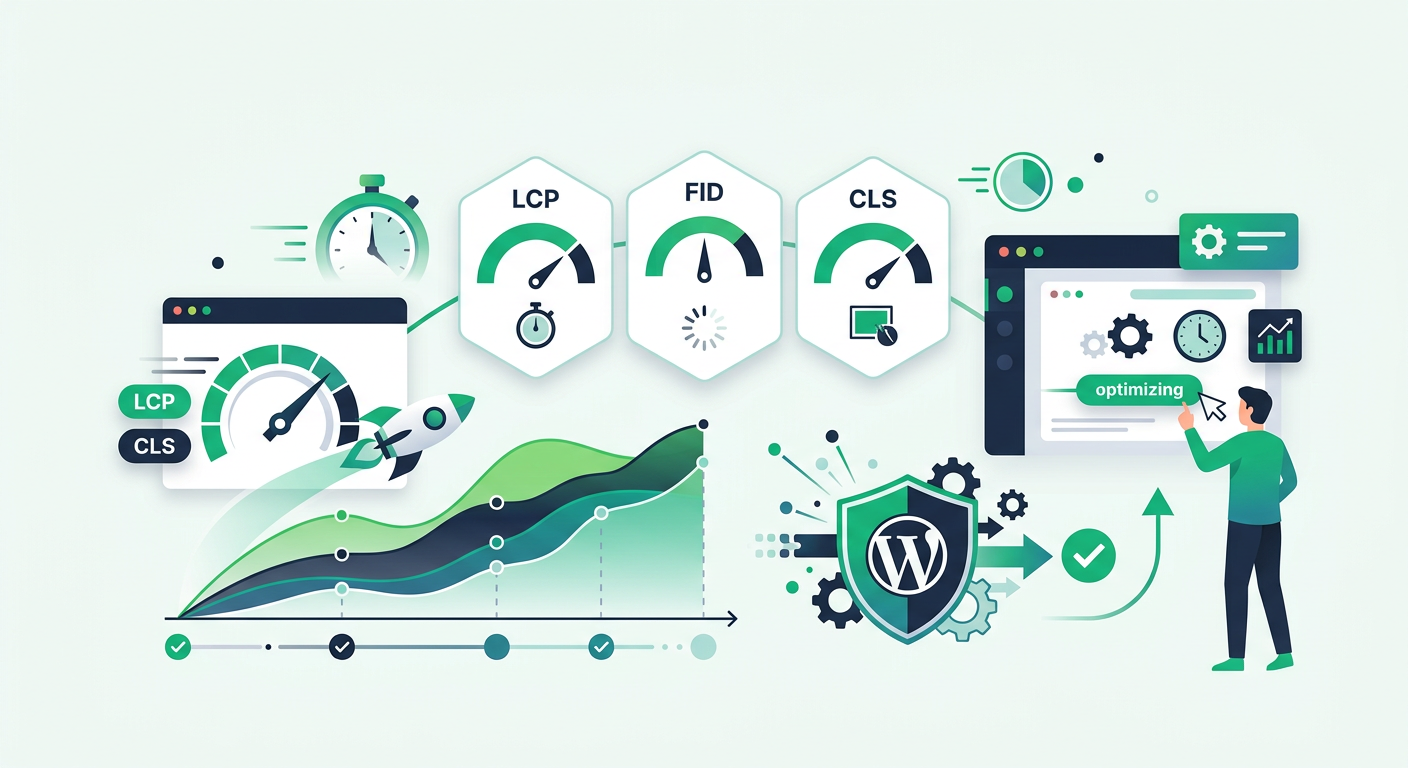
Since Google integrated page experience into its ranking algorithm, Core Web Vitals for WordPress have become a primary focus for site owners. These metrics are not just technical benchmarks; they represent the real-world experience of your users. If your website feels sluggish or elements jump around while loading, your rankings and conversion rates will suffer.
Optimizing these metrics requires a strategic approach to how WordPress handles assets, scripts, and server responses. By focusing on loading performance, interactivity, and visual stability, you can ensure your site remains competitive in search results. To see where your site currently stands, you can start with a free WordPress speed audit to identify specific bottlenecks.
Understanding the Three Pillars of Core Web Vitals
Google evaluates page experience using three specific metrics. Understanding what these represent is the first step toward fixing them.
- Largest Contentful Paint (LCP): This measures loading performance. Specifically, it marks the point in the page load timeline when the main content has likely loaded. For most WordPress sites, this is usually a hero image or a large heading.
- Interaction to Next Paint (INP): Replacing First Input Delay (FID), INP measures the overall responsiveness of your site to user interactions like clicks or key presses.
- Cumulative Layout Shift (CLS): This measures visual stability. It quantifies how often users experience unexpected layout shifts, such as a button moving just as they are about to click it.
A high-performing site provides significant advantages. Beyond just passing a lab test, there are many SEO and user experience benefits of a fast WordPress website, including lower bounce rates and higher engagement.
How to Improve Largest Contentful Paint (LCP)
LCP is often the hardest metric to optimize in WordPress because it is heavily influenced by your hosting environment and how you handle images. To achieve an LCP of 2.5 seconds or faster, you must prioritize the delivery of the main content.
Start by optimizing your images. WordPress now supports WebP out of the box, but you should also ensure that images are correctly sized. Serving a 3000px wide image in a 400px container wastes bandwidth and delays the LCP. Use a plugin or a CDN to automate image compression and resizing.
Another critical factor for LCP is server response time, often measured as Time to First Byte (TTFB). If your server takes a full second to respond, your LCP will almost certainly fail. Using a high-quality managed WordPress host and implementing page caching are essential steps. Furthermore, ensure you are excluding your hero image from lazy loading. If the most important image on the page waits for a JavaScript trigger to load, your LCP score will drop significantly.
Optimizing Interaction to Next Paint (INP)
INP is the newest Core Web Vital, and it focuses on the delay between a user action and the visual feedback. In WordPress, high INP is usually caused by excessive JavaScript execution. When the main thread is busy processing heavy scripts, it cannot respond to user inputs.
To improve INP, audit your plugins. Many WordPress plugins load scripts on every page, even where they aren't needed. Use a script manager to disable unnecessary assets on a per-page basis. Additionally, consider delaying the execution of non-essential JavaScript until after the first user interaction. This keeps the main thread open for critical tasks during the initial load.
Code minification and concatenation can also help, but be careful with concatenation as it can sometimes result in larger files that take longer to parse. Modern HTTP/2 and HTTP/3 protocols often handle multiple small files more efficiently than one massive bundle.
Eliminating Cumulative Layout Shift (CLS)
CLS issues are frequently caused by images, ads, or embeds that do not have defined dimensions. When the browser doesn't know how much space an element will take, it has to move the content around once the element finally loads.
Always include width and height attributes on your images and video elements. In WordPress, the Gutenberg editor usually handles this, but custom code or older themes might miss these attributes. For advertisements, wrap them in a container div with a set minimum height. This ensures that even if the ad takes a moment to load, the space is already reserved, preventing a jump in the layout.
Web fonts are another common culprit. If your custom font loads slowly, the browser might display a fallback font first, then swap to the custom font. If the two fonts have different dimensions, the text will shift. Using font-display: swap; in your CSS and preloading your primary font files can mitigate this issue.
The Role of Hosting and Caching
You cannot achieve perfect Core Web Vitals for WordPress on a poor hosting platform. Shared hosting environments often suffer from resource contention, meaning your site's performance fluctuates based on other users on the same server. Managed WordPress hosting provides dedicated resources and server-level caching tailored to the platform.
Caching is your best tool for reducing TTFB. Use a combination of object caching (like Redis) and page caching to serve static HTML versions of your pages. This bypasses the need for WordPress to query the database and execute PHP for every single visitor. Furthermore, a Content Delivery Network (CDN) with edge caching can store your site's assets on servers closer to the user, drastically reducing latency and improving all three Core Web Vitals metrics across different geographic locations.
Cleaning Up Your WordPress Database and Plugins
A bloated database can slow down your site's internal processes, leading to slower response times. Regularly clean up post revisions, expired transients, and spam comments. While this doesn't directly impact CLS, it has a measurable effect on LCP and INP by ensuring the server can process requests as quickly as possible.
Perform a regular plugin audit. Every active plugin adds some overhead to your WordPress installation. If a plugin is not providing significant value, deactivate and delete it. For necessary features, look for lightweight alternatives. For example, many "all-in-one" plugins can be replaced with simple code snippets in a child theme's functions.php file or a site-specific functionality plugin, reducing the amount of third-party code your site must process.
FAQ
How do I check my Core Web Vitals for WordPress?
The most accurate way to check your scores is through Google Search Console under the "Core Web Vitals" report. This provides real-world data from your actual visitors. For lab testing during development, use PageSpeed Insights or the Lighthouse tab in Chrome DevTools.
Does a 100/100 score on PageSpeed Insights matter?
While a 100/100 score is an excellent goal, it is not a direct ranking factor. Google uses the actual Core Web Vitals metrics (LCP, INP, CLS) from field data. A site with a score of 90 that passes all three vitals is better positioned than a site with a 100 score that fails field data tests.
Can a WordPress theme affect Core Web Vitals?
Absolutely. Your theme dictates the structure of your HTML and the amount of CSS and JS loaded by default. Heavy multi-purpose themes often include bloated page builders that generate excessive DOM depth, which can negatively impact both LCP and CLS. Using a lightweight, performance-optimized theme is highly recommended.
Do ads hurt Core Web Vitals?
Ads are a common cause of CLS and INP issues. Because they often load asynchronously and vary in size, they can push content down the page. To prevent this, always reserve space for ad units using CSS and ensure that the scripts required to serve ads are optimized and deferred where possible.
Want us to speed up your WordPress site?
Get a free speed & SEO scan and a clear action plan.