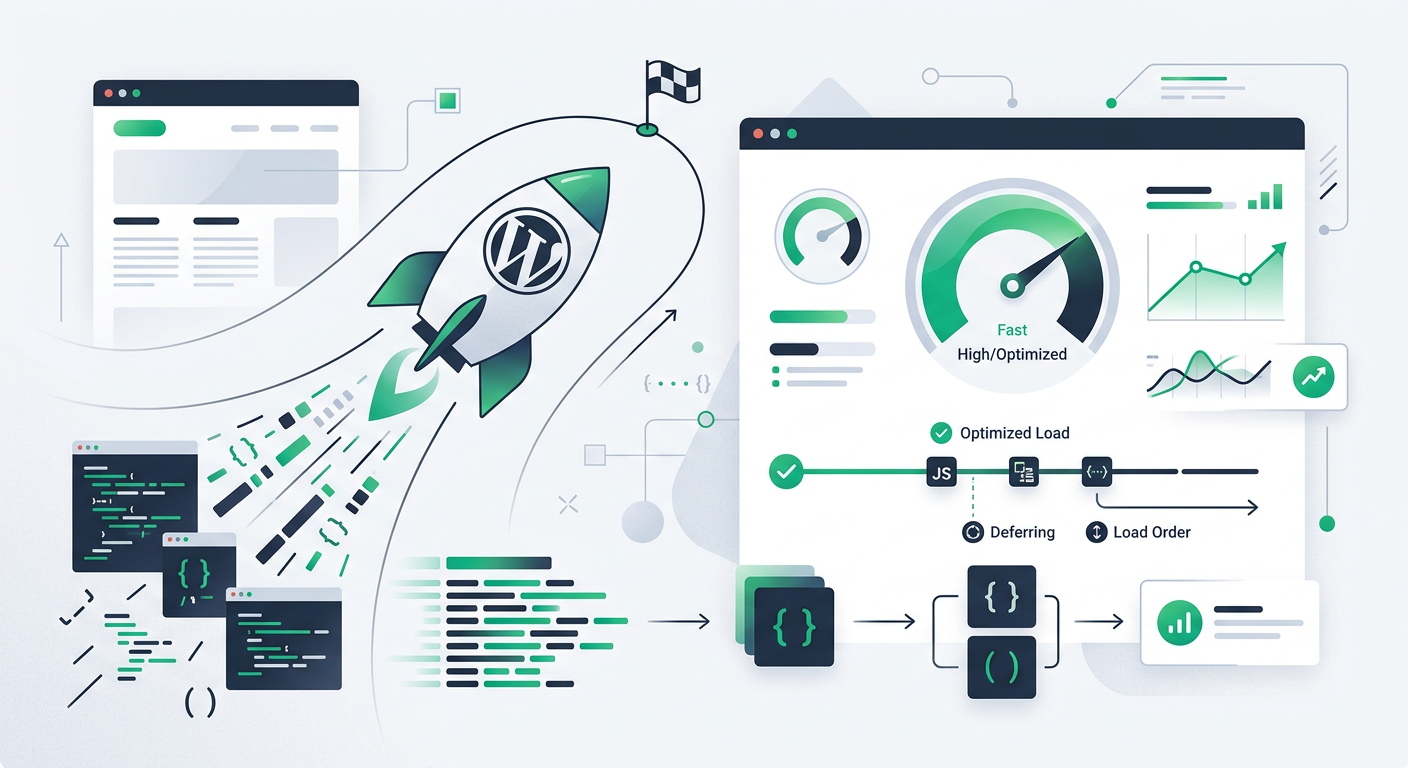
Introduction to JavaScript Optimization
JavaScript is a fundamental component of modern WordPress websites. It powers interactive elements, sliders, form validation, and tracking scripts. However, unoptimized JavaScript is often the primary reason for slow loading times and poor Core Web Vitals scores. To achieve optimal performance, site owners must address two critical processes: minification and deferral.
Minification removes unnecessary characters from code to reduce file size, while deferring ensures that scripts do not block the initial rendering of the page. By mastering these techniques, you can significantly improve your site's performance, which is one of the key benefits of a fast WordPress website for user retention and search engine rankings.
What is Minifying JavaScript?
Minification is the process of stripping away all elements from a JavaScript file that are not required for the code to execute. This typically includes whitespace, comments, newlines, and long variable names. To a browser, these elements are redundant; they only exist to make the code readable for human developers.
When you minify JavaScript, the resulting file is significantly smaller. Smaller files translate to faster download times, reduced bandwidth consumption, and a lowered Time to First Byte (TTFB) in many server configurations. While a single minified file might only save a few kilobytes, the cumulative effect across dozens of scripts on a WordPress site can be substantial.
The Difference Between Minification and Compression
It is important not to confuse minification with Gzip or Brotli compression. Minification alters the source code itself to make it more compact. Compression, on the other hand, is a server-level process that shrinks the file during transmission. For the best results, a WordPress site should implement both.
The Core Concepts of Deferring JavaScript
By default, browsers treat JavaScript as render-blocking. When a browser encounters a <script> tag in the HTML, it stops building the Document Object Model (DOM), downloads the script, and executes it before moving on. If your site has large scripts in the header, users will see a blank screen for several seconds.
Deferring changes this behavior. The defer attribute tells the browser to download the script in the background while continuing to parse the HTML. The script is only executed after the HTML document has been fully parsed. This ensures that the visual elements of your site—the text and images—appear as quickly as possible for the visitor.
Defer vs. Async: Choosing the Right Method
While both defer and async prevent scripts from blocking HTML parsing, they behave differently. An async script executes as soon as it is finished downloading, potentially interrupting the DOM construction. Defer, however, maintains the order of the scripts and waits for the DOM to be ready. In the context of WordPress, where scripts often depend on libraries like jQuery, deferring is generally the safer and more effective option.
How to Implement Optimization in WordPress
There are several ways to implement minifying and deferring JavaScript in WordPress, ranging from manual code snippets to comprehensive performance plugins. If you are unsure where your site stands, you should start with a free speed check to identify which scripts are currently slowing you down.
1. Using WordPress Plugins
The most common method for most users is using a performance plugin. Tools such as WP Rocket, Autoptimize, or Asset CleanUp provide simple checkboxes to enable minification and deferral. These plugins often have advanced features like "Delay JavaScript Execution," which waits for user interaction (like scrolling or clicking) before loading specific scripts, providing an even larger boost to the Largest Contentful Paint (LCP) metric.
2. Manual Implementation via functions.php
For developers who prefer to avoid extra plugins, you can use the script_loader_tag filter in your theme's functions.php file. This allows you to programmatically add the defer attribute to specific script handles. However, this requires a deep understanding of your site's script dependencies to avoid breaking functionality.
Testing for Breaking Changes
One of the risks associated with minifying and deferring JavaScript in WordPress is "breaking" the frontend. Because minification changes the code structure and deferral changes the execution timing, certain scripts might fail to load properly. jQuery-dependent scripts are particularly sensitive to these changes.
After enabling these optimizations, always test your site in an incognito window. Check for functional issues such as:
- Mobile menus not expanding.
- Contact forms failing to submit.
- Image sliders or galleries not displaying.
- Tracking pixels (like Google Analytics) not firing correctly.
If a specific script breaks, most plugins allow you to add that file to an exclusion list, ensuring it stays in its original state while the rest of the site remains optimized.
The Impact on Core Web Vitals
Google uses Core Web Vitals as a ranking signal, focusing on loading performance, interactivity, and visual stability. JavaScript optimization directly impacts two of these metrics: Total Blocking Time (TBT) and First Input Delay (FID). By deferring non-essential scripts, you free up the main thread, allowing the browser to respond to user inputs faster.
Furthermore, by reducing the payload through minification, you decrease the data transfer required to reach the Largest Contentful Paint (LCP). This holistic approach to speed not only pleases search engines but also provides a seamless experience for your visitors, reducing bounce rates and increasing conversions.
Conclusion
Optimizing how your WordPress site handles JavaScript is no longer a luxury; it is a necessity for modern SEO and user experience. By minifying your files to reduce size and deferring their execution to prevent render-blocking, you provide a faster, more responsive environment for your users. Whether you choose to use professional plugins or manual code, the results in PageSpeed scores and search rankings are well worth the effort.
FAQ
Does minifying JavaScript affect the functionality of my WordPress site?
Standard minification should not affect functionality as it only removes unnecessary characters. However, if code is poorly written or if you use "aggressive" minification/obfuscation, it can occasionally lead to syntax errors. Always check your browser console for errors after minifying.
Which scripts should I avoid deferring?
You should generally avoid deferring scripts that are critical for the "above-the-fold" content. For example, if your main navigation menu relies on a script to function or if you have an essential hero slider, deferring those might cause a delay in usability or a layout shift.
Does minification replace the need for a CDN?
No, minification and Content Delivery Networks (CDNs) serve different purposes. Minification reduces the size of the file, while a CDN reduces the physical distance between the user and the server. Using both together is the gold standard for WordPress performance.
Is jQuery different from other JavaScript files in WordPress?
Yes, many WordPress themes and plugins are built on top of the jQuery library. If you defer jQuery but do not defer the scripts that depend on it, those dependent scripts will fail because they will try to execute before jQuery is available. Most optimization tools have a specific setting to handle jQuery safely.
Want us to speed up your WordPress site?
Get a free speed & SEO scan and a clear action plan.